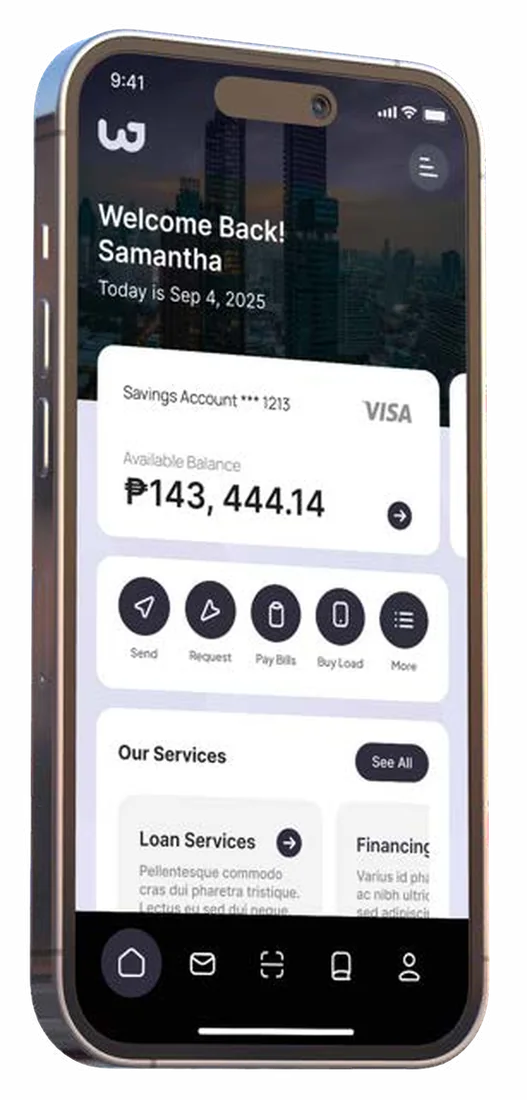
KORA is White Cloak's modular, API-first ERP, ready for AI. Start with the modules you need, connect the systems you already run and add more as you grow.
Built for large enterprises, regulated industries and government agencies. Your teams use it on the web and on their phones.
Many of the organizations we talk to run an ERP that is rigid, out of date and cut off from their other systems. Replacing it usually means picking between two imperfect routes.
Work still moves on paper and email
HR forms and approvals are routed by hand, encoding is manual and every office keeps its own records. Leaders wait for reports, and audit checks take up staff time.
Building from scratch takes too long
A custom system means a long wait before anything goes live, plus the cost of engineering, hosting and maintenance. Teams rebuild the same approvals and records for every new system.
Packaged ERPs resist change
They are monolithic, every customization is expensive, and you are locked in to one vendor.
KORA starts you on ready modules that share one foundation. We configure them to your workflows, connect them to the systems you keep, and build custom modules only for what is unique to you.
What's inside
Modules for your people, money and operations
Every KORA module runs on the same foundation for identity, workflow, data and integration. Turn on the ones you need now and add the rest later, on the same platform and the same data.
HR and people
Your whole workforce, on one set of employee data
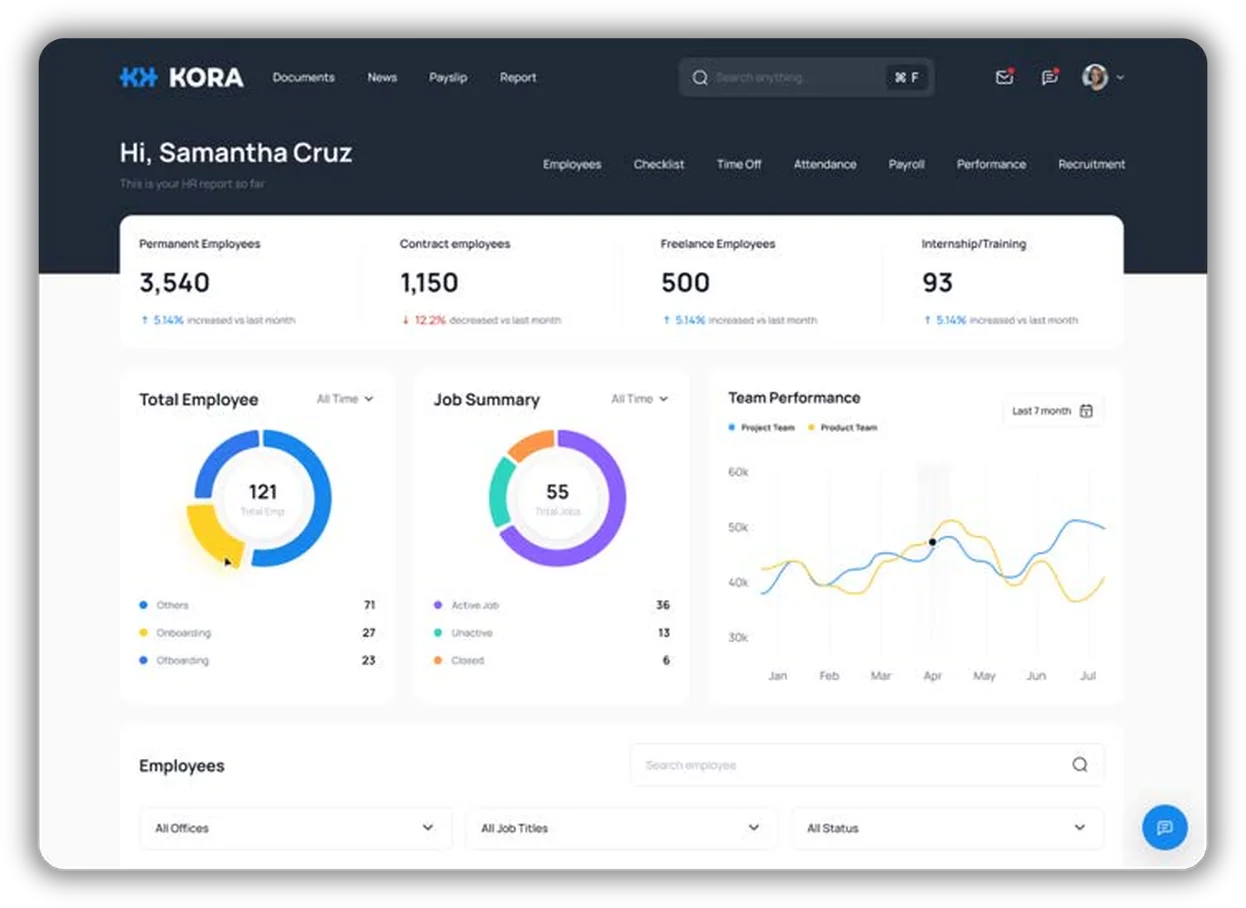
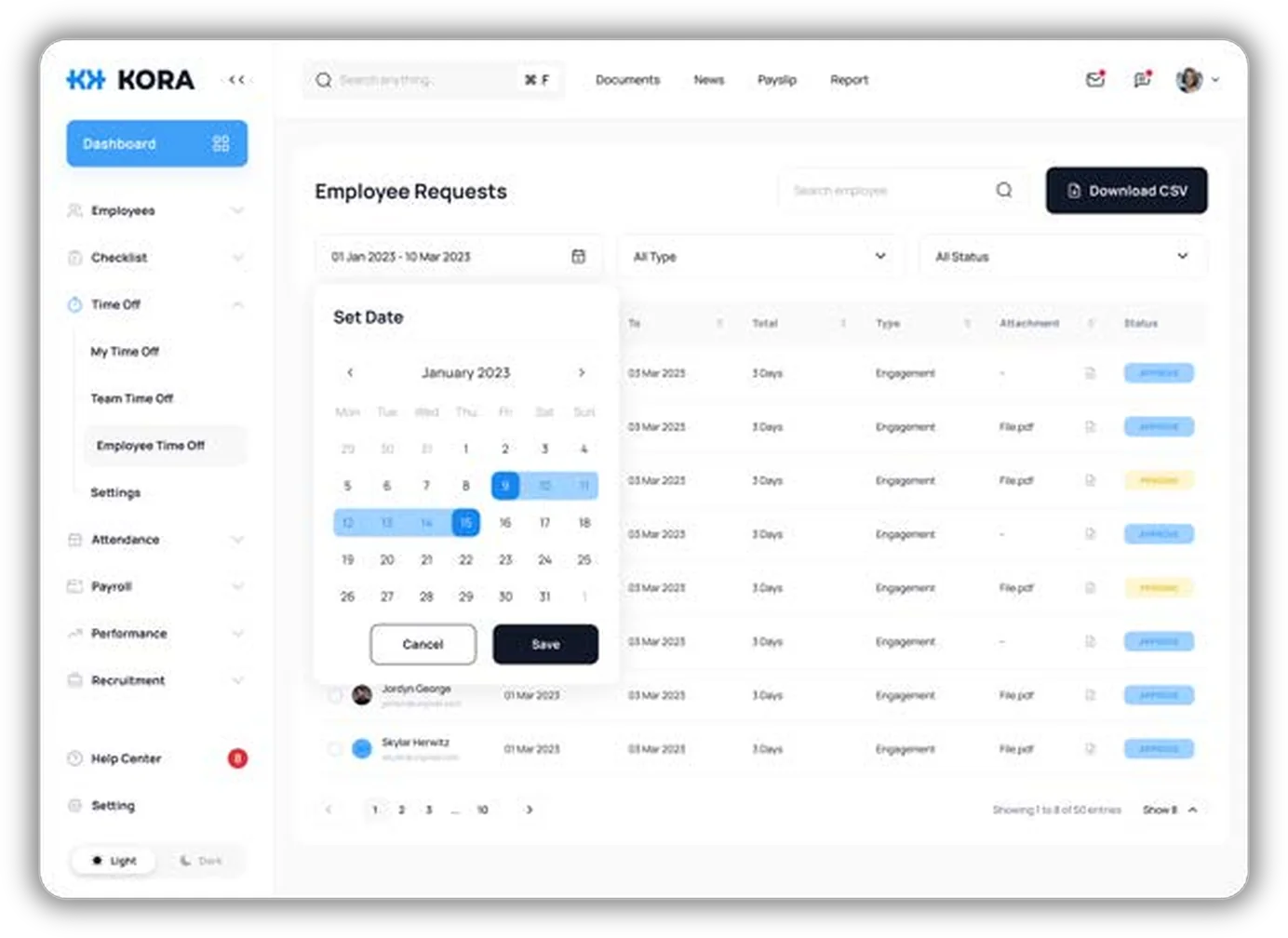
Employee records, onboarding checklists, time off, attendance, payroll, performance and recruitment live in one HR module. Managers see every request in one list, filter it by date, type and status, and export it to CSV.
Employee records
Onboarding checklists
Time off and attendance
Payroll and payslips
Performance reviews
Recruitment
Employee self-service
Requests filed from a phone, approved in the same queue
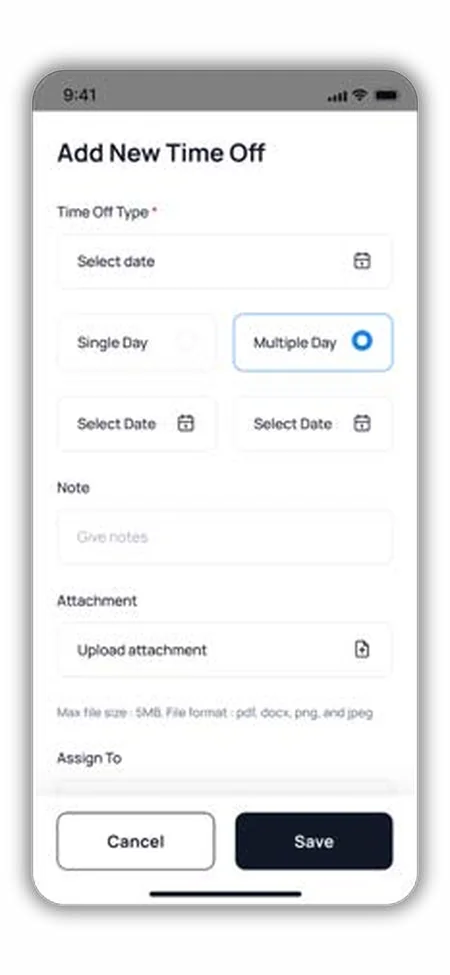
Employees file time off from the KORA mobile app. They pick a single day or a date range, add a note and a supporting file, and choose who approves it.
The request goes straight to the list managers work from on the web, with its status visible to everyone involved.
More modules on the same platform
Finance and accountingA single ledger with payables, receivables, budgeting and forecasting. Expense approvals and the audit trail for every transaction live in the same place.
Sales and serviceLeads, quotes, orders and customer history, plus support tickets and service requests after the sale.
Supply chainProcurement and vendors, inventory across locations, and logistics.
MarketingCampaigns, customer segments, feedback and surveys, and analytics that measure their impact.
ProductivityDocuments with version history, tasks, projects and meetings.
One foundation under every module
KORA is headless and API-first. The screens your people use sit on top, and every module shares the same core services, so a workflow, role or integration you set up once works across the platform.
Experience layerWeb, mobile and enterprise apps
Designed around your workflows. The front end is decoupled from the core, so screens can change without touching your data or rules.
Core ERP modulesTurn on the ones you need
Finance
HR
Sales
Marketing
Supply Chain
Productivity
Services
Integration and workflow engineAPIs, approvals and business rules
REST and GraphQL APIs connect KORA to your internal and external systems. Multi-step approvals, routing and business logic run here, outside the user interface.
Platform foundation
Auth
Workflow
Integration
Data
Cloud
Admin
Cloud-native services that every module shares: sign-in and permissions, workflows, integrations, one data layer, hosting and administration.
Governance across every layer
Audit logs, security monitoring, dashboards and KPI tracking run across all modules. Every action is recorded, so audit and compliance checks start from a complete trail.
AI that works inside your rules
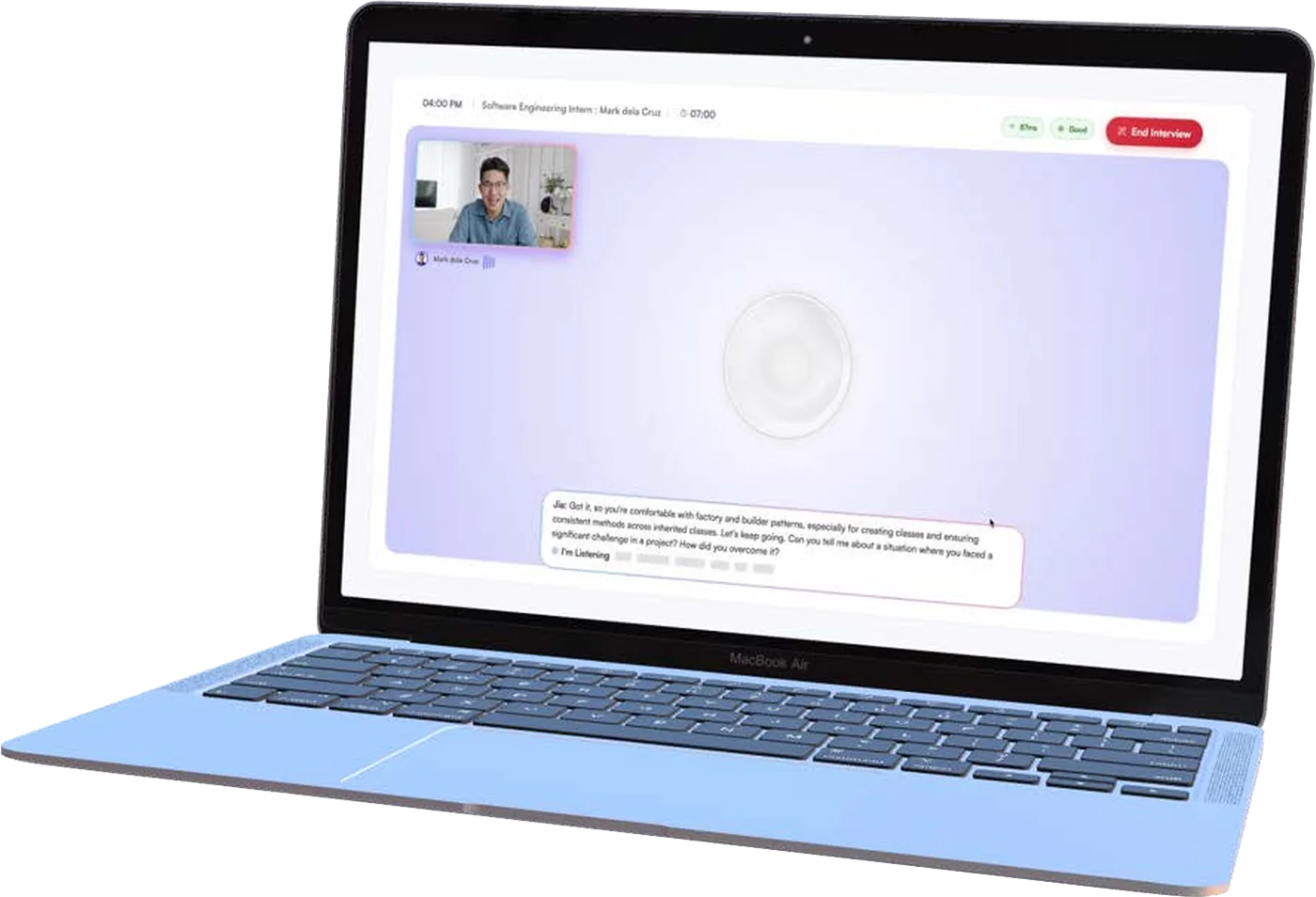
KORA keeps your data in one analytics-ready layer. Its AI services add insights, summaries and recommendations to workflows, analytics and documents.
They run under the same access policies and audit logs as everything else, with people kept in the loop on decisions.
How we roll out KORA
We start from what KORA already does and configure it to your processes. Custom development comes in where your requirements call for it. That lowers implementation risk and gets you live sooner.
Step 1Discovery and designWe map your processes, check them against what KORA already does, and plan the screens and architecture with your team.
Step 2ConfigurationModules switched on, workflows, roles and approvals set up, data migrated and your existing systems connected.
Step 3TestingFunctional, end-to-end, performance and security testing, then user acceptance testing with your people.
Step 4Pilot and go-liveA pilot with selected users, a readiness check, then production. Hypercare follows.
Step 5Support and growthTraining for users and admins, ongoing support, and new modules when you need them.
Security and compliance built into the platform
KORA runs workflows for regulated businesses and government offices, so access control, encryption and audit trails are part of the core.
Role- and policy-based accessPermissions are set by role and by policy, down to individual actions.
Encrypted data and audit logs that cannot be alteredEvery change is recorded, so you can show who did what and when.
Controlled API accessThird-party connections get scoped access, rate limits and monitoring.
Security in the delivery pipelineAutomated security scans run as part of our DevSecOps process.
Data privacyDesigned to align with the Philippine Data Privacy Act and government cybersecurity standards.
Where KORA fits
The same platform runs internal operations for enterprises and citizen-facing services for government. Pick the one closest to you.
Large enterprises
Replace or extend a legacy ERP one module at a time, connected to the systems you keep.
HR, finance and procurement on one platform and one set of data
Approval workflows for purchases, expenses and employee onboarding
Project, resource and budget tracking
Dashboards for leadership that update as transactions happen
Customer records, sales pipeline and service requests
Government agencies
Move permits, cases and records off paper, with a full audit trail and secure data exchange between offices and agencies.
Digital licensing and permitting, with multi-level approval routing
Compliance submissions, rule-based validation and regulatory reporting
Grants and subsidy programs, with intake, evaluation and disbursement tracking
Case, complaint and records management
Field inspections, violations and enforcement
Legislative sessions, bill tracking and digital voting
Citizen portals with single sign-on
Cities and municipalities
KORA eLGU brings city and municipal services online on one configurable platform, for local governments digitizing under the E-Governance Act of 2025.
A public portal where citizens apply, upload documents and track their requests
A staff workbench to review, approve and update applications
A no-code form builder, validation rules and configurable workflows for each new service
Role-based administration and document management
In our demo, a civil registry birth certificate request runs end to end, starting with the citizen and ending with the approving officer
Industry and vertical platforms
Build a platform for your industry on the KORA foundation and skip rebuilding identity, workflow, audit and integration.
Banking: loan origination, compliance reporting and risk monitoring
Real estate: property and lease management, tenant portals and billing
Healthcare: hospital operations, claims and billing workflows
Compliance: structured submissions with audit-ready records
Questions about KORA
What buyers usually ask us before a demo. If yours isn't here, send it with your demo request.
No. Start with the modules you need. Each one runs on the same foundation for identity, workflow, data and integration, so modules you add later connect to the ones you already use.
Yes. KORA is API-first, with REST and GraphQL APIs and an integration layer for internal and external systems. You can replace a legacy ERP outright or run KORA beside it and move one process at a time.
Your data sits in one analytics-ready layer across modules. KORA AI adds insights, summaries and recommendations inside workflows, analytics and documents, under your access policies and audit logs, with people kept in the loop.
Yes. Workflows, roles, approvals, forms and reports are configured to your processes, and the front end is separate from the core, so screens can be designed around your teams. When you need something KORA does not do yet, our engineers build it as a custom module or plug-in.
It depends on the modules, the state of your data and how many systems we connect. We configure first, customize only where needed and pilot before go-live. You get a timeline from us at the end of discovery.
No. KORA is built for large enterprises, regulated industries and companies building industry platforms, as well as for government agencies and local governments.
Yes. KORA runs on web and mobile. Employees file time off and other requests from their phones, with attachments, and managers approve them from the same list on the web.
Book a KORA demo.
Tell us which processes you want to move first. We'll show you the modules that fit and how they would connect to the systems you run today.
We use analytics cookies from Google Analytics and HubSpot to see how people use this site, so we can improve it. By continuing to use this site, you agree to our use of cookies.